A common thing people want from an AI agent is help with writing. Turn an outline into a first draft, tidy up an old post, suggest a better headline. What they do not want is that same agent quietly pushing changes to the live site while they are not looking. The good news is that the plugin’s governance model makes “help me draft, but touch nothing live” a configuration rather than a hope. Here is how to set it up.
Start with the user, not the tools
The agent connects as a WordPress user, and that user’s capabilities are the ceiling for everything it can do. So the first move has nothing to do with abilities. It is to create a dedicated account for the agent with a role that can create and edit drafts but cannot publish. In WordPress terms, a Contributor-style capability set is the natural fit: it can write and revise, and publishing stays with someone else.
Get this right and most of the safety is already in place, because the agent physically cannot publish through a capability it does not hold. Every ability re-checks that capability before it runs, so there is no path around it.
Turn on only the abilities drafting needs
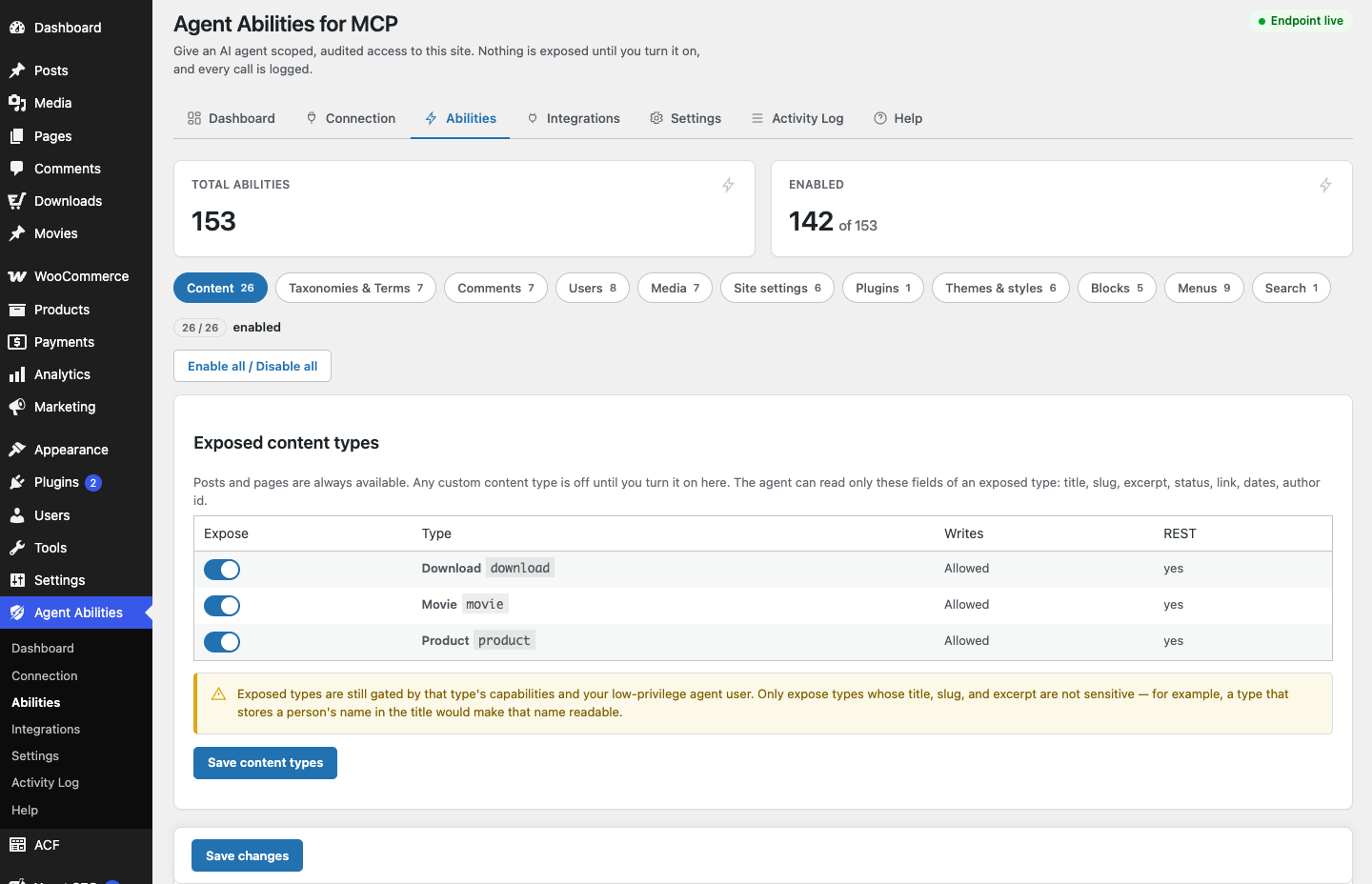
With the user set, enable a small, deliberate set of abilities. Everything is off until you switch it on, so you are building the surface up from nothing rather than paring it down. For a drafting workflow you want the abilities that cover posts and pages, and probably the revision history so the agent can look at how a piece has changed. Leave the rest off. If it does not serve the task of producing a draft, it does not need to be on.
Because abilities are enabled one at a time, you can be honest with yourself about each one. Does the agent need it to draft? If not, skip it.
Add force-to-draft as a backstop
Now the belt-and-braces part. The plugin has a force-to-draft mode among its optional safety controls. Switch it on and new content the agent creates is forced to draft, regardless of what the agent asks for. It is off until you set it, like all the optional guards, so you are opting in on purpose.
You now have two independent things standing between the agent and a published post. The user cannot publish, and force-to-draft catches new content anyway. If one were somehow misconfigured, the other still holds. That is the same two-layer thinking the rest of the plugin uses, applied to your own setup.
A cap on runaway titles, if you want it
There is also a title-length cap in the optional controls. It is a small thing, but if you are letting an agent generate headlines it can stop an over-enthusiastic title from landing at three hundred characters. Turn it on if it helps your workflow, leave it off if it does not. It is there, not imposed.
Watch it in the audit log
Once the agent starts working, the audit log is your window into what actually happened. Every call is recorded in your own database, refused attempts included, with the argument keys but not the values. So if the agent tries to publish and is stopped, you see the attempt and the refusal, not just silence. If it creates three drafts, you see three creations. The log turns “I think the agent only made drafts” into something you can check rather than trust.
What a session looks like
Put together, a drafting session goes like this. You ask your connected client to turn an outline into a draft post. The agent, acting as the low-privilege user, calls the post-creation ability. Force-to-draft keeps the result in draft. The agent revises, reads the revision history, tightens the copy. At no point does it publish, because it cannot, and the log shows every step. When you are happy, you publish it yourself, as your own account, having read what the agent produced.
Why this is the honest version
Plenty of setups will let an agent write for you. The reason to do it this way is that you never have to take the agent’s restraint on faith. The capability ceiling, the off-by-default abilities, force-to-draft, and the audit log each do a small, checkable job, and together they mean the agent helps with the writing while the decision to go live stays firmly with a human. That is the whole point of letting it draft: you get the help without giving up the last step.